Stop inspecting.
Start extracting.
The ultimate Chrome extension for Web Designers and Frontend Developers. Hover over any element to steal its complete Color Palette, Typography rules, and Computed CSS in one click.
No credit card required. Install in 2 seconds.
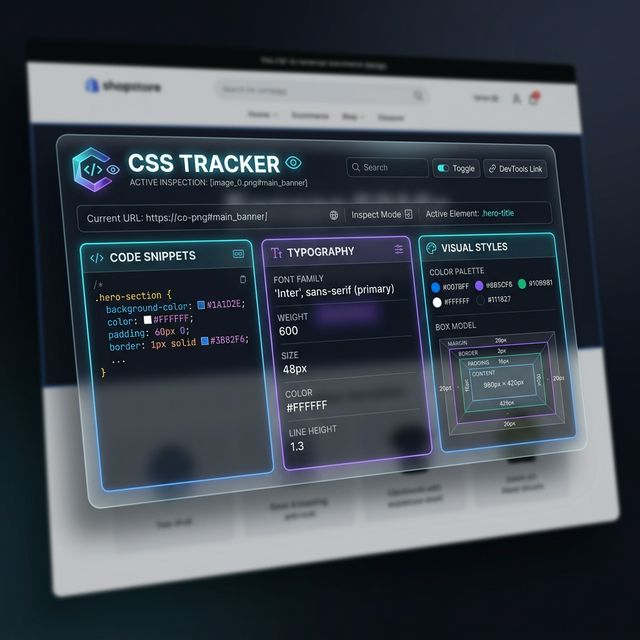
Works flawlessly with all modern frameworks
Everything you need.
Nothing you don't.
Chrome DevTools is incredibly powerful. But for visual design inspection? It's overkill. CSS Tracker is built specifically for design extraction.
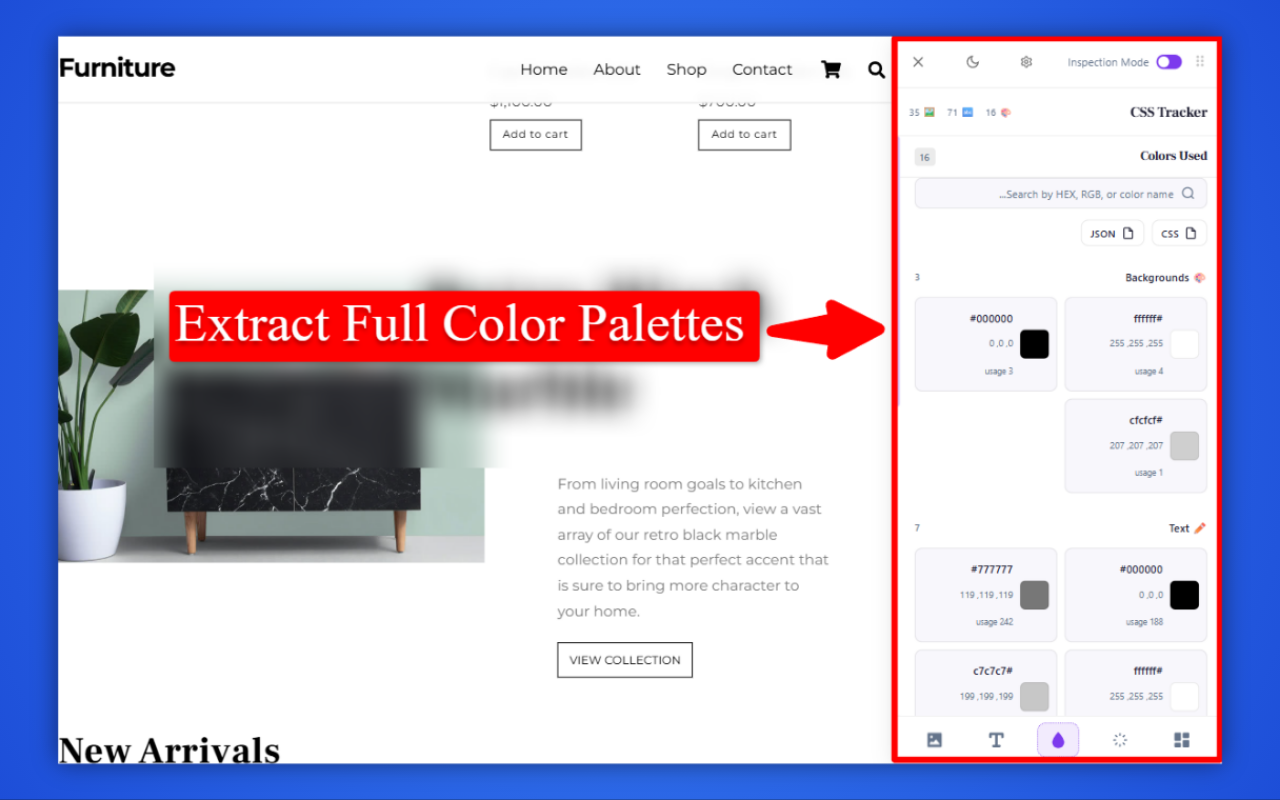
Instant Color Palettes
Automatically groups all background, text, borders, and input colors from the active page. Grab hex, RGB, or HSL codes with a single click and build your mood board instantly.
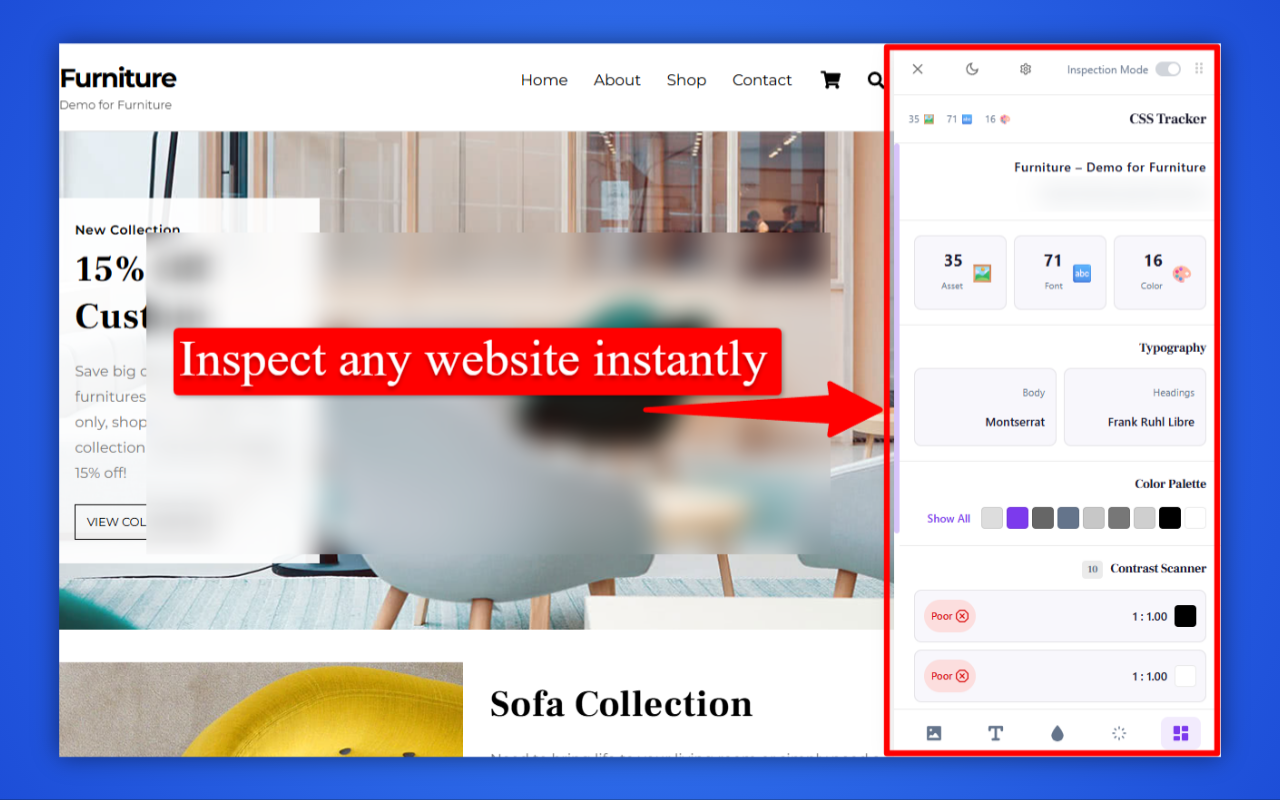
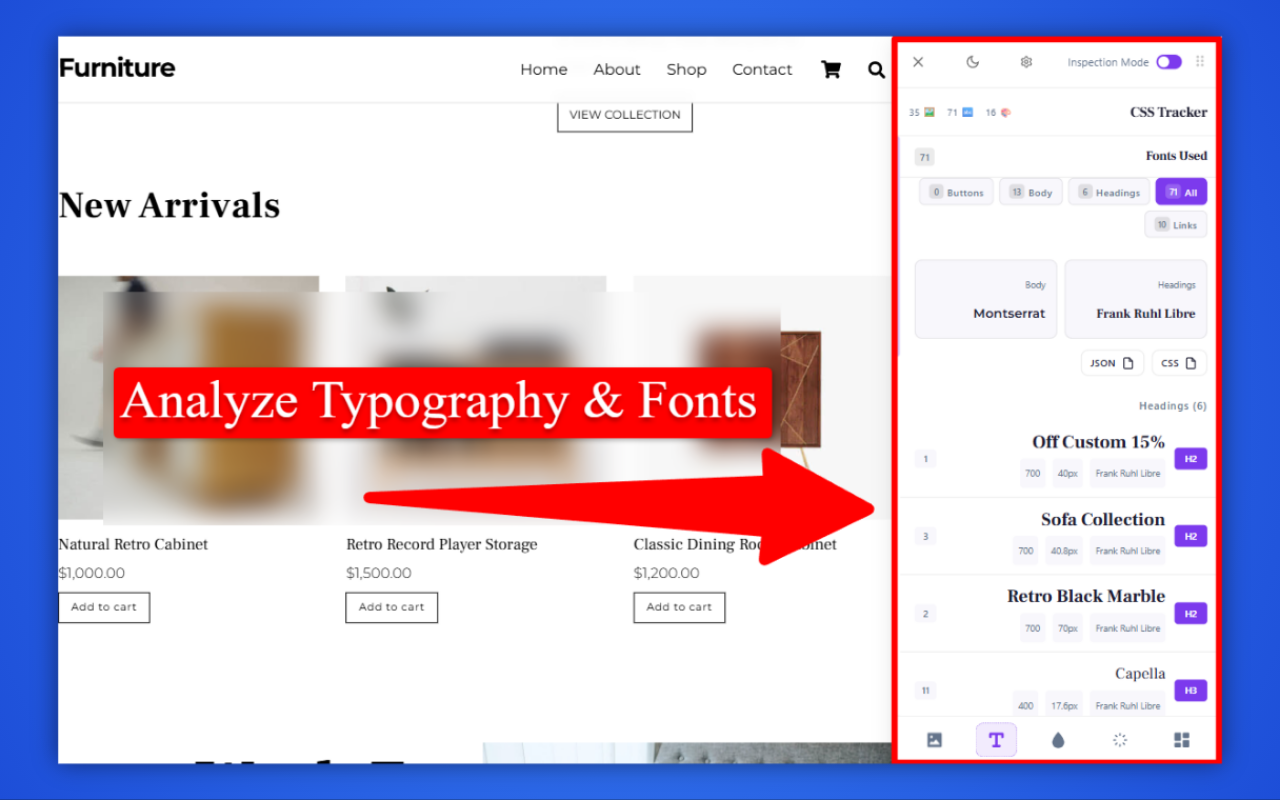
Typography Extractor
Discover exact font families, sizes, weights, and line-heights powering beautiful headings and body text.
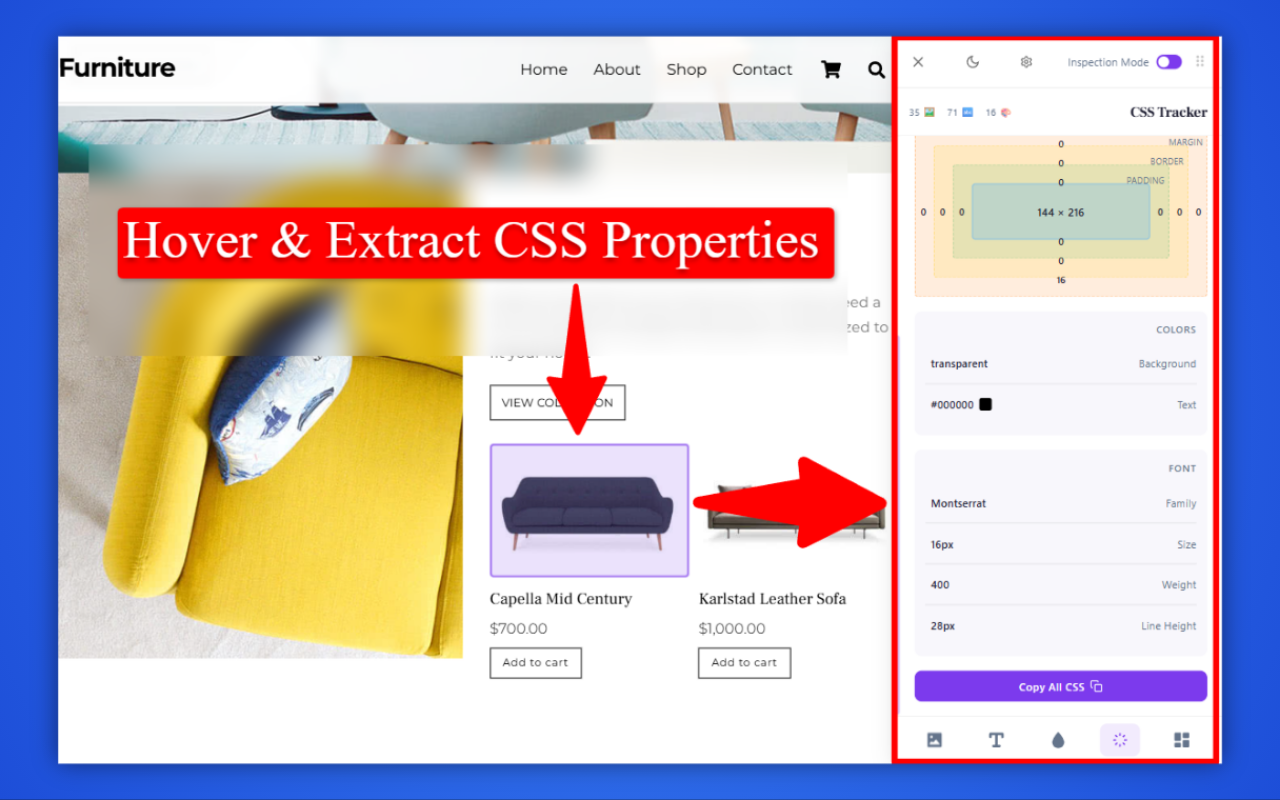
Box Model Inspector
Hover over any element to visualize margins, padding, and borders. No more guessing spacing units.
WCAG Contrast Scanner & Copy CSS
Ensure your designs meet global accessibility standards and copy production-ready CSS code directly to your clipboard.
Design System & Shadow DOM
Pierces through Web Components to extract hidden CSS Variables, Animations, and Font variations, transforming raw code into beautifully categorized Design Tokens.
History & Analytics
Never lose a scanned site. Automatically save favorites, browse your history, and track usage via a built-in interactive dashboard.
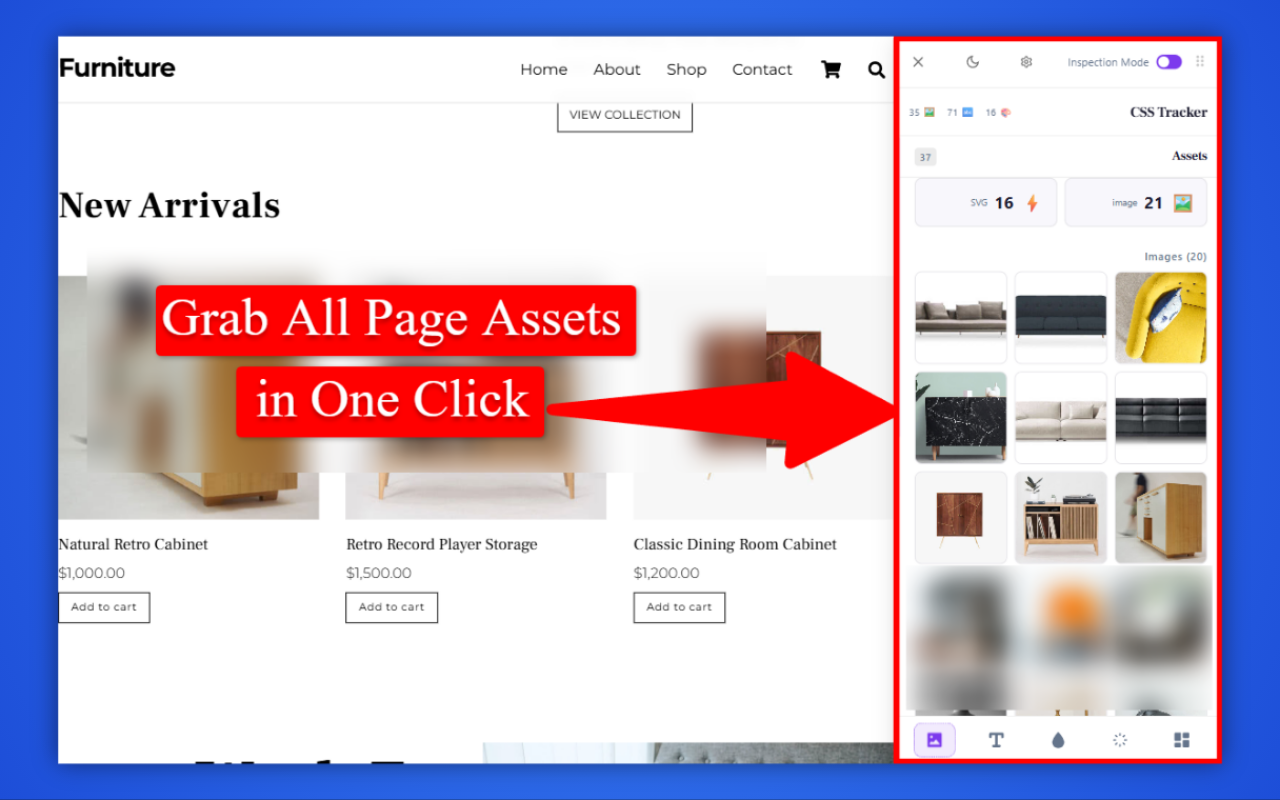
Advanced Asset & SVG Export
Skip the network tab. CSS Tracker auto-detects background images, inline SVGs, and hidden assets, allowing you to bulk download them instantly in perfect resolution.
From inspiration to implementation
in 3 seconds.
Install
Download CSS Tracker from the Chrome Web Store and pin it to your browser for quick access.
Hover & Inspect
Turn on Inspection Mode. Point your mouse at any element and watch its raw properties appear instantly.
Copy & Paste
Click "Copy All CSS" and paste production-ready computed code directly into your code editor.
Built for the modern web workflow.
Web Designers
Analyze the competition. Found a UI that converts perfectly? Extract its spacing, typography rules, and exact color palette to build your own mood board in seconds.
Frontend Developers
Stop writing CSS from scratch. Select elements and copy their computed CSS properties directly into your project or Tailwind configuration file seamlessly.
Marketing Agencies
Perform rapid UX/UI audits. Deliver beautiful technical design reports to your clients without needing deep technical coding knowledge or viewing raw HTML.
Simple pricing. Professional power.
Manage your subscription easily. Upgrade, downgrade, or cancel anytime.
Developer Plan
Perfect for individuals needing quick inspections.
Included:
- 100 Scans per month
- Basic Box Model Inspector
- Color & Font Extraction
- 1 Active Device Limit
Agency Premium
Unlimited power for professional designers and agencies.
Everything in Free, plus:
- Unlimited Daily Scans (Cloud History)
- 5 Active Devices
- Export Raw JSON & CSS Variables
- Design Tokens & Animations Tracker
- Save Favorite Sites Dashboard
Team Enterprise
The ultimate CSS extraction toolkit for entire design teams.
Everything in Premium, plus:
- Up to 15 Active Devices
- Unlimited Scans
- Bulk Asset Export
- Priority Enterprise Support
- Full Website PDF Report (V2.0)